
Limited-time offer · Save 38%
Lifetime plans from US$4.99
Offer ends:
LiqunchBring Classic macOS Launchpad Back
A next-generation Launchpad alternative for macOS 26 Tahoe and macOS 27
Rebuilding a familiar and more efficient app launching experience on modern Macs
Supports macOS 26 (Tahoe) and above · Last updated: 2026-06-29 · Version v1.6.13
Alternative Download Links:Baidu Cloud·Beta Version Download
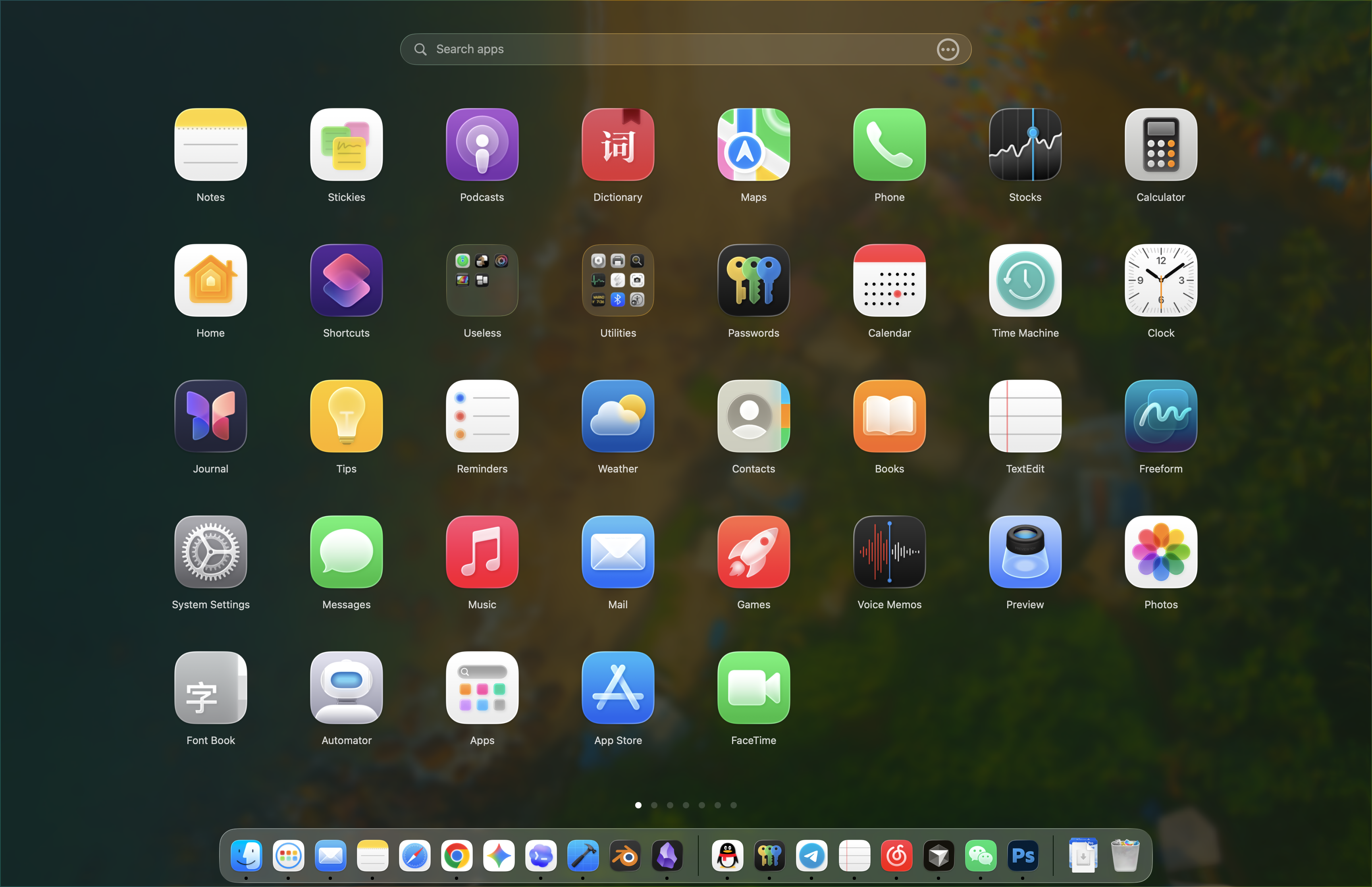
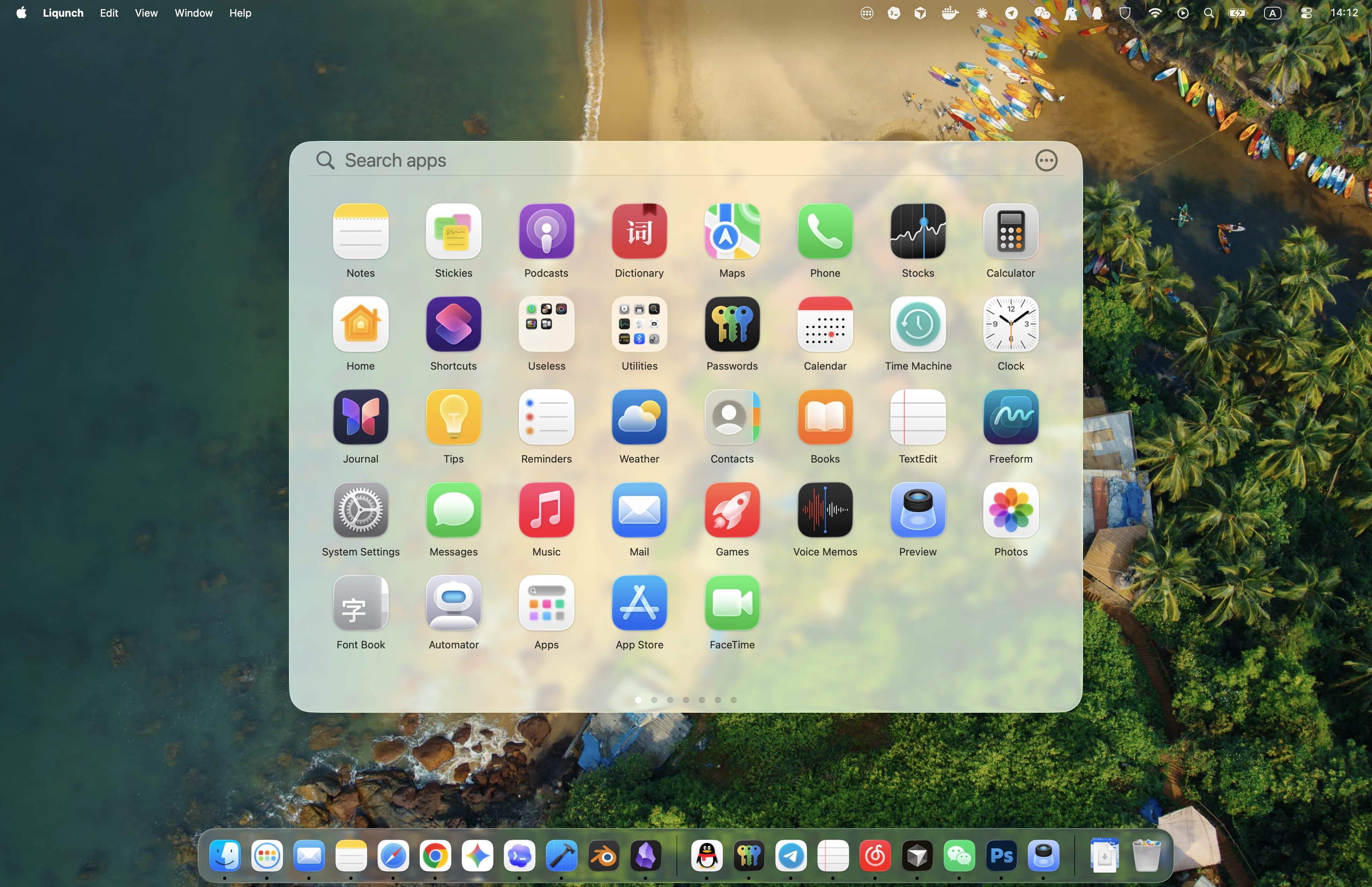
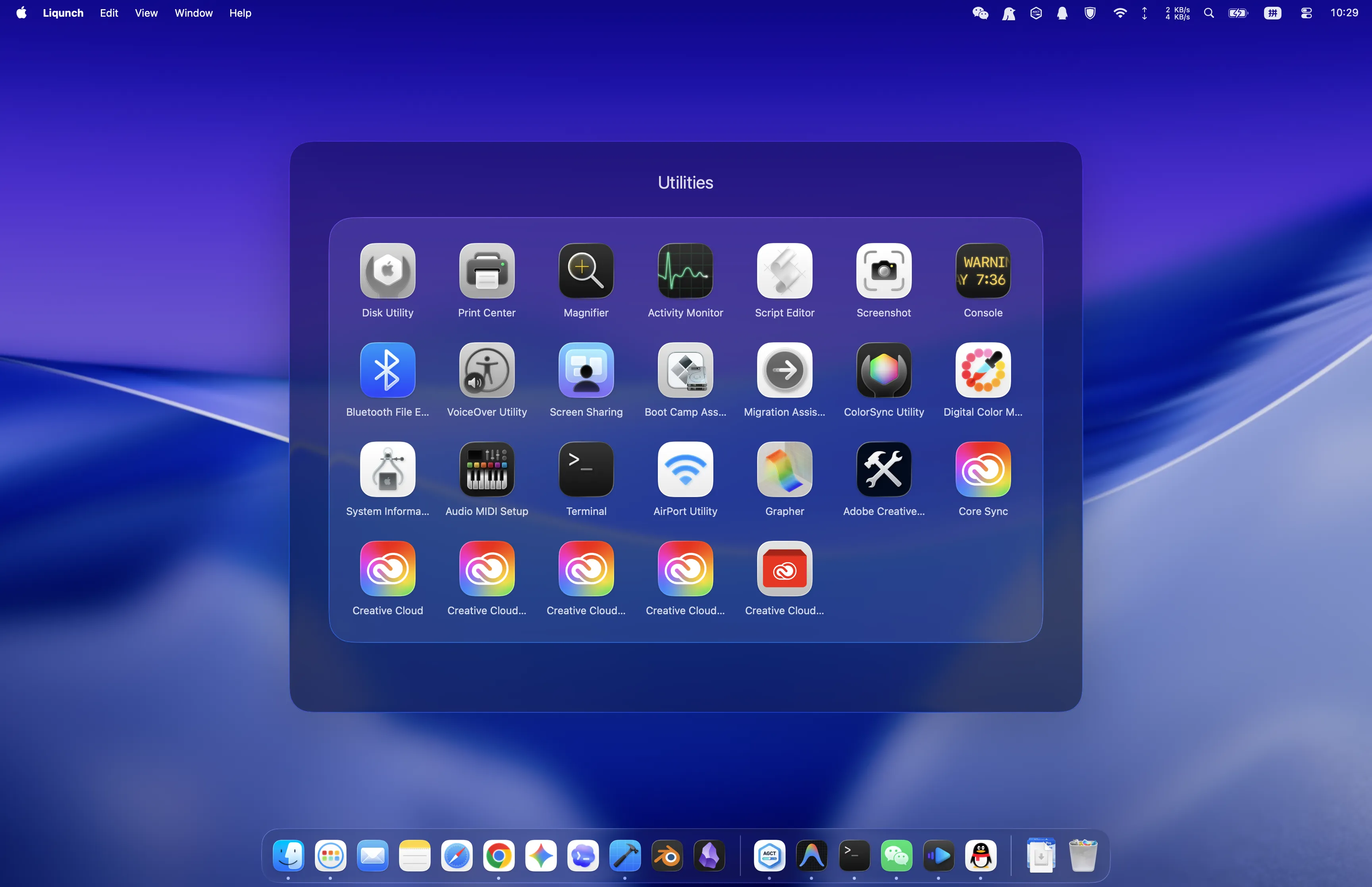
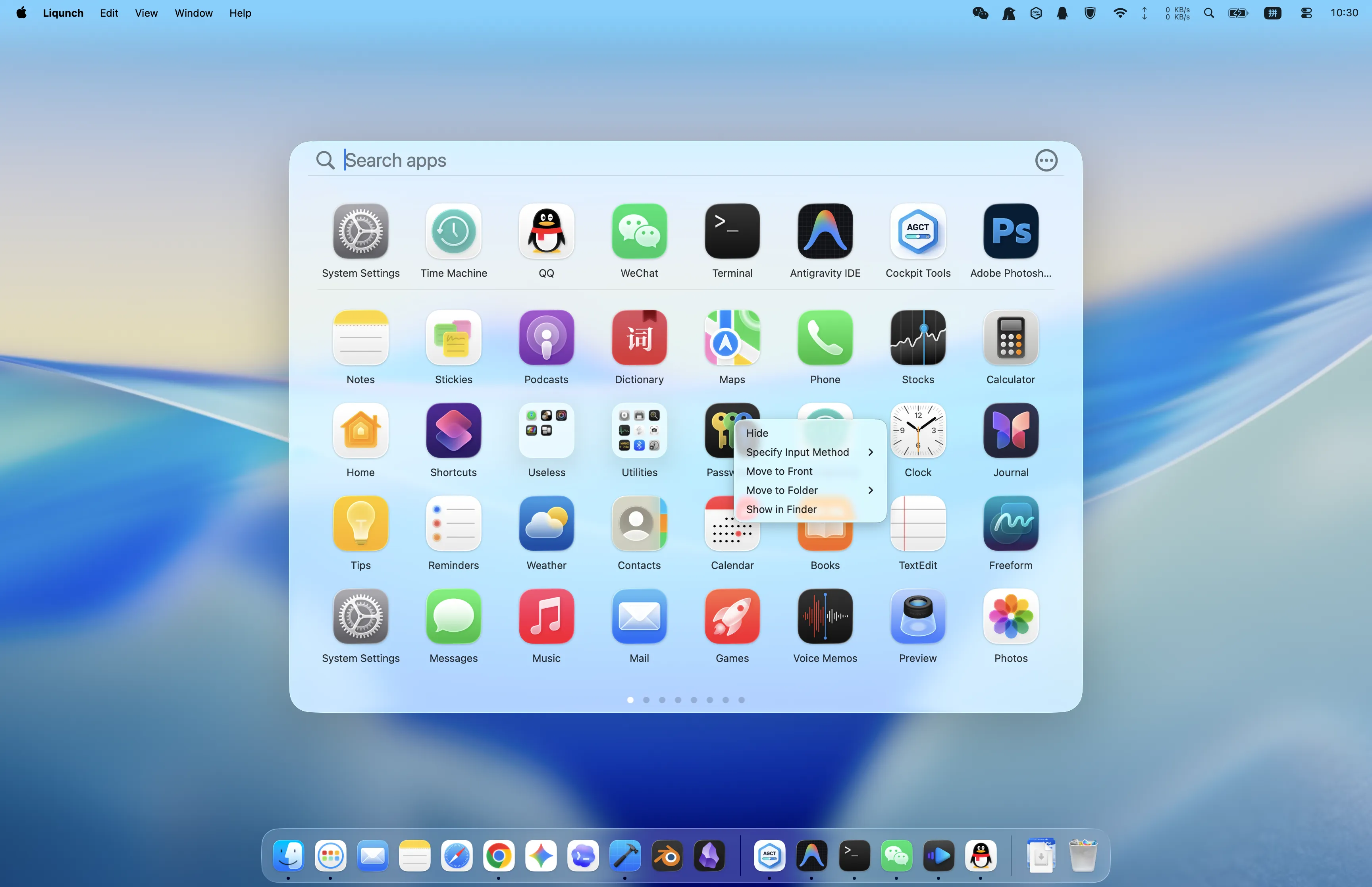
Classic Launchpad, rebuilt natively for Mac
Native where it matters
Swift-powered performance meets the Launchpad experience you remember — updated for modern macOS.Built natively in Swift
Lightweight, fast, and tuned for macOS — Liqunch launches quickly and stays responsive every time you open it.
Native Launchpad experience
The familiar grid, flow, and gestures you already know, with no learning curve from the original macOS Launchpad.
Liquid Glass UI
Refined visual effects that blend with macOS system aesthetics on macOS 26 and later, without losing the classic feel.
A launcher layout that adapts to you
Your apps, organized your way
Tune the grid, hide the clutter, and keep your favorite apps within one glance.Customizable grid layout
Adjust icon density and spacing to match your screen size, wallpaper, and the way you actually browse apps.
Hide unused apps
Keep your launcher clean by hiding apps you rarely open, so the grid stays focused on what you use every day.
Two navigation modes
Scroll horizontally or vertically through pages — choose the movement that feels most natural on your Mac.
Recent applications
Pin your most-used apps to the first row for faster access to the tools you launch again and again.
Summoned instantly, controlled naturally
Less friction, every launch
From hotkeys and trackpad gestures to smarter app controls, Liqunch is built for speed on macOS.Global hotkey launch
Open Liqunch from anywhere with a customizable keyboard shortcut — no mouse required.
Native trackpad experience
Use 4-finger or 5-finger pinch gestures to summon the launcher, matching the behavior Mac users expect.
Two display modes
Switch between windowed and fullscreen views depending on whether you want a quick picker or full immersion.
Context menu shortcuts
Right-click apps for quick actions — hide, reveal in Finder, or manage items without leaving the grid.
Lightweight & Practical System Toolkit
More Than a Launcher, with Endless Possibilities
Input switching, system monitoring, and sleep prevention tools live quietly in the menu bar — useful when you need them, invisible when you do not.Auto-switch input method
Assign a preferred input method to each app — Liqunch switches automatically when you launch or focus it.
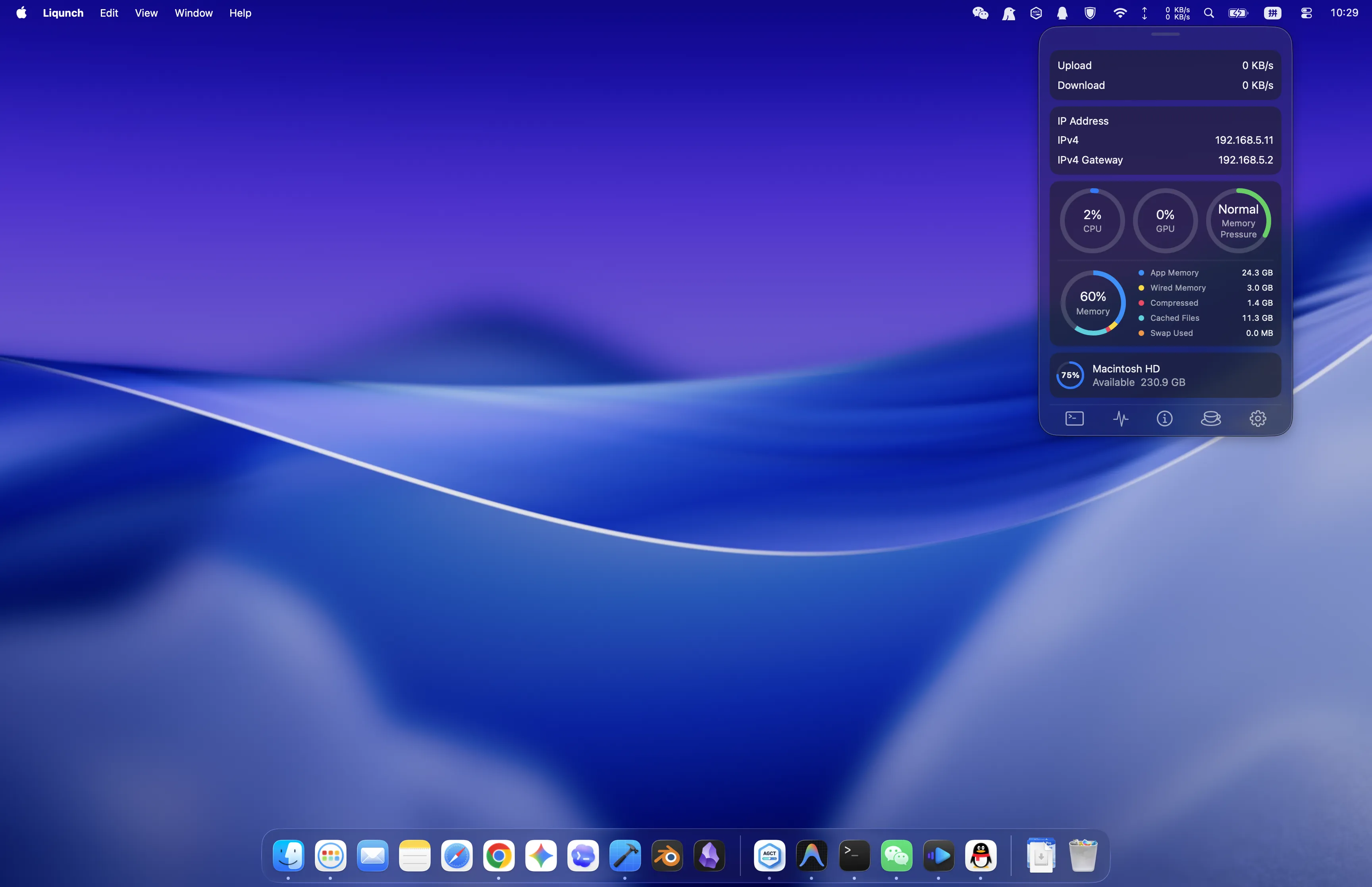
Menu bar resource monitor
Track CPU, GPU, memory, disk, and network speed from the menu bar. Customize units and what to display.
Prevent Mac from Sleeping
Quickly toggle "Prevent Sleeping" from the menu bar with customizable duration to keep your tasks and downloads uninterrupted.
Pricing
Two Lifetime Plans
Pick the license count you actually need. Buy once, keep every PRO feature unlocked.
Email delivery may be delayed. If your license key email does not arrive, contact support:support@liqunch.com
Single Device Lifetime
Best for one daily Mac.
$7.99
- 1 Mac license
- Lifetime updates
- All PRO features
Two Devices Lifetime
For people who switch between two Macs.
$12.99
- 2 Mac licenses
- Lifetime updates
- All PRO features
Prices are charged in USD at checkout.
On desktop, you can complete payment with WeChat Pay by scanning the code on your phone.
Frequently Asked Questions
How do I install Liqunch?
Download the DMG file, open it, and drag Liqunch into your Applications folder. That's it — you're ready to go.
Can I try Liqunch before purchasing?
Yes. Liqunch offers both a free version and a Pro version. You can use the free version with limited features for as long as you like. Upgrading to Pro unlocks the full experience.
Do you offer refunds?
Yes. Refunds are supported. Please refer to our Refund Policy for details.
Is Liqunch safe to use?
Yes. Liqunch is built with native macOS technologies. It only connects to the internet for license activation, deactivation, update checks, or other configured features that require a network connection. Liqunch does not collect unnecessary data or any personal information.
How do I activate Liqunch?
After purchase, you will receive an email with the email address used for your order and your license key. Enter both in the app to activate Liqunch and unlock Pro features.
Can I transfer my license to another Mac?
Yes. You can transfer your license at any time.
- If you still have access to your current Mac, simply deactivate it on that device first, then activate it on your new Mac.
- If you no longer have access to the original device, please contact us for assistance.
Liqunch, Bring Classic Launchpad Back
Download Liqunch for free and rediscover a fast, native app launcher.
Unlock lifetime Pro features whenever you're ready.